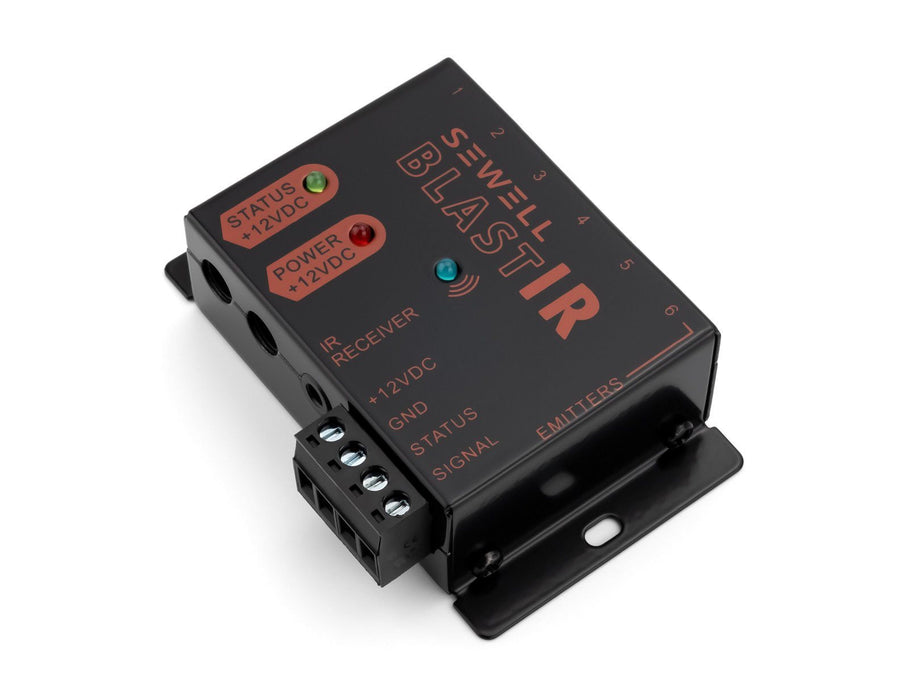
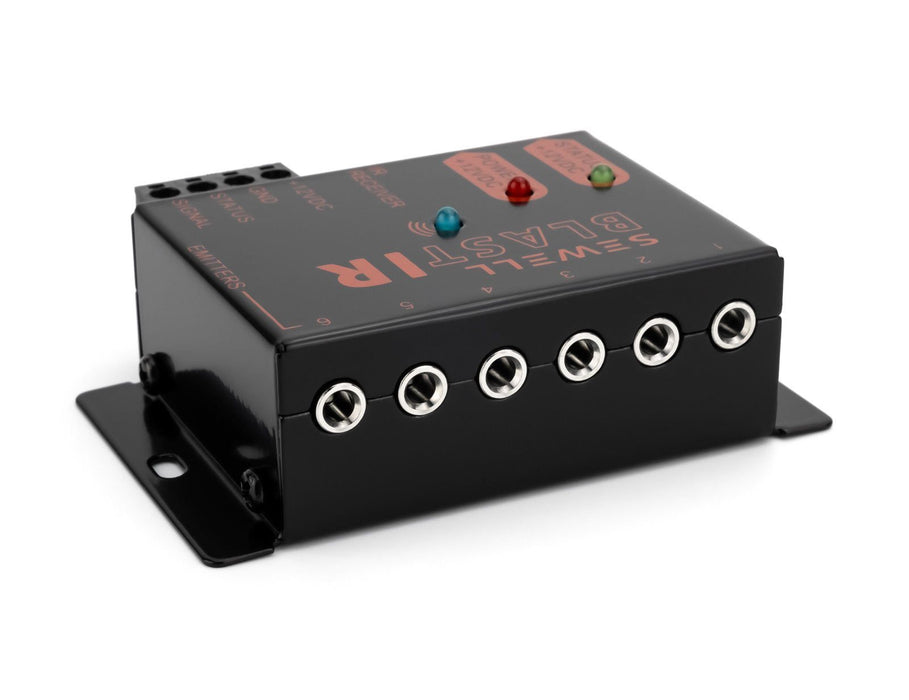
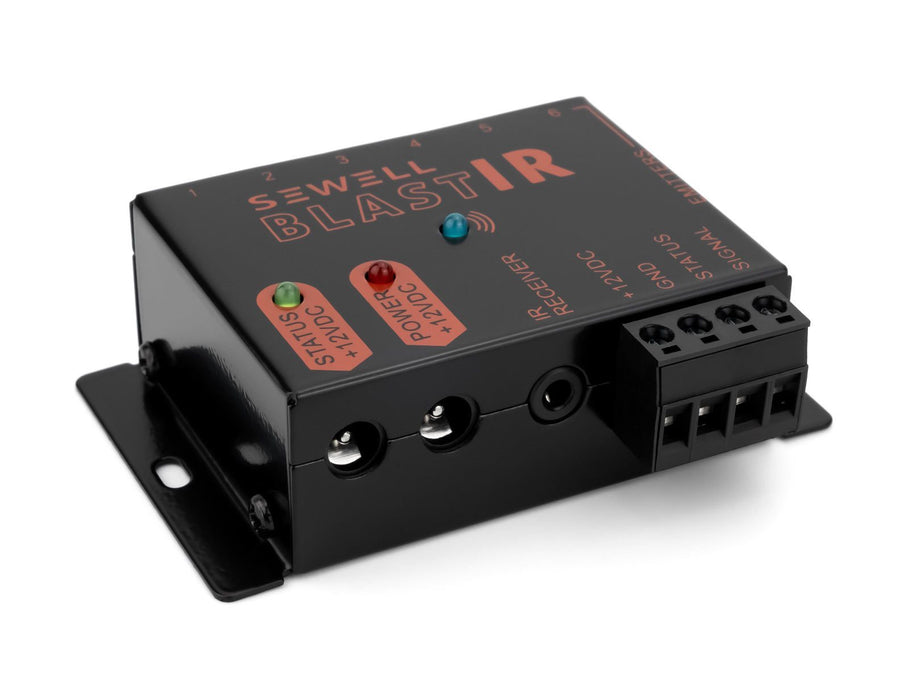
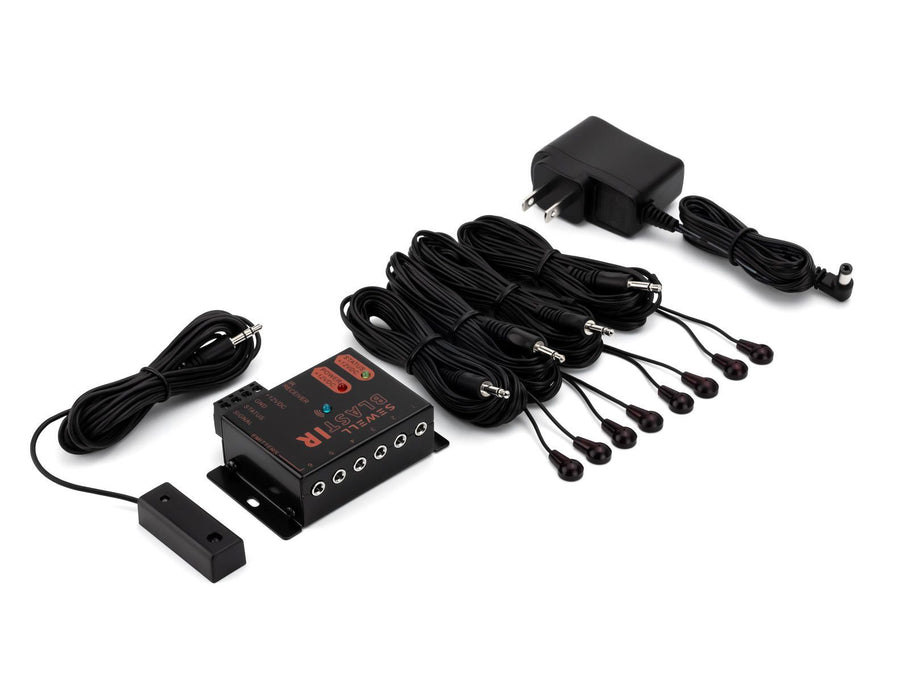
Now in stock. Get yours today!
NOTE: This product works for all devices with an IR frequency in the 33-43 kHz range only (this excludes many cable boxes), for devices with a frequency in the 33-60 kHz range, see Sewell Dual Band InjectIR or BlastIR by Sewell.
The Sewell InjectIR extends the signal from your remote controls (for Blu-Rays, DVRs, set-top boxes, etc.) by sending the remote control's IR (infrared) signal over your HDTV's existing HDMI cable.
The Problem
When you install your HDTV on a wall, or when you wish to hide your video source devices in another room or closet, you break the line-of-site view of your video devices that the remote controls rely on. This requires you to get an IR extender that can route your remote's IR signal directly to your source devices
The Solution
Sewell's InjectIR is probably the most reliable and most easy-to-install solution on the market. Unlike other wired solutions, you don't have to run an additional cable through the wall, you can use the existing HDMI line.
How This Works
The Sewell InjectIR uses the unused CEC channel of your HDMI cable run to send the IR signal through it (CEC channel is used only for certain HDTVs that can send control commands to your video sources, so if you use CEC, you don't need to extend your remote controls). The unit has a switch that allows you to switch between IR injection and CEC channel use.
60 Second Install
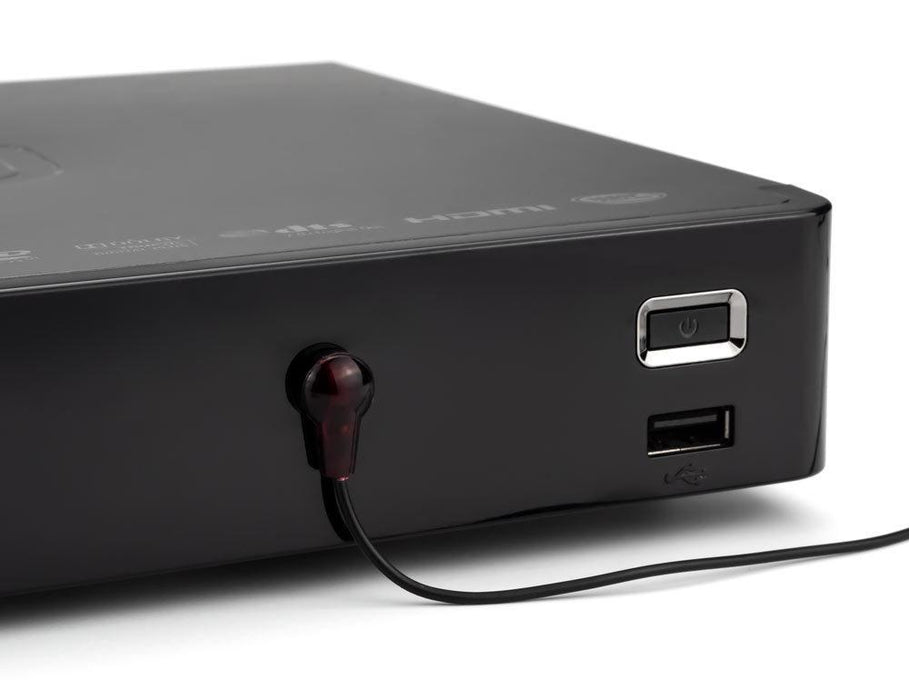
Installing the Sewell InjectIR only takes a minute and doesn't require any drilling or cutting into your walls. Simply connect the transmitting unit directly into your HDTV's HDMI port, and then reconnect your HDTV's HDMI cable into the transmitting unit's female HDMI port. The transmitting unit has a port that accepts the included IR sensor. Place this included sensor somewhere near the TV where you will be aiming all of your remote controls.
Next, you plug the receiver unit directly into your video source's HDMI port. The receiver unit has a port for the included IR emitter which you point at your video source's remote control sensor. There is nothing more to do to set this up.
To sum up, the remote control signal from your remote hits the included IR sensor, the IR signal then travels into the transmitter unit and is injected into your HDMI cable. On the other end of the cable, the receiver unit picks up the signal and outputs it through the included IR emitter which is facing your video equipment's IR sensor. You will get perfect control of you devices every time.
Works with Sewell Splitters, Boosters and Cat5 Extenders
Running your HDMI over Cat5 to extend it? Or are you running HDMI through splitters, switches, or boosters? Don't worry, the IR signal has been tested extensively and will remain intact in the HDMI cable line in all these situations.
Extend the length of your IR Repeater's "eyes" with a 3.5mm extension cable