
PC to TV
-
 Sold out
Original price $49.95 - Original price $49.95Original price $49.95$49.95$49.95 - $49.95Current price $49.95
Sold out
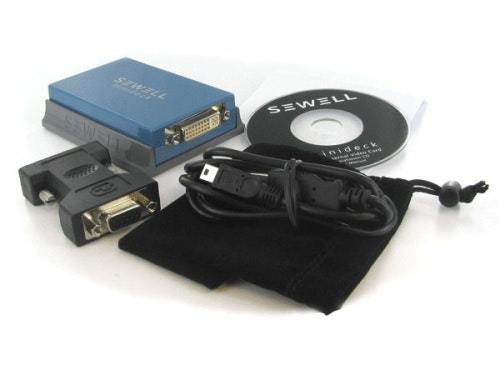
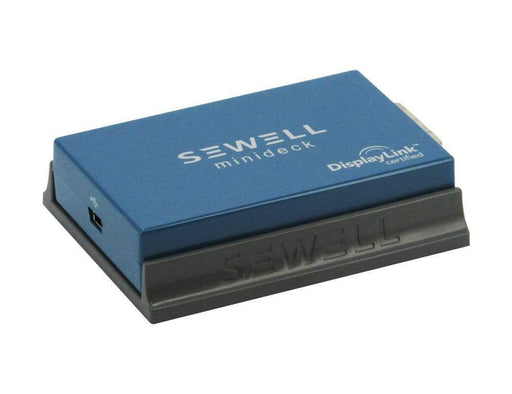
Original price $49.95 - Original price $49.95Original price $49.95$49.95$49.95 - $49.95Current price $49.95Minideck USB to DVI, VGA and HDMI Display Adapter
The Sewell Minideck USB to DVI/VGA display adapter is like an external video card you connect to your system, adding an extra monitor (supporting n...
View full detailsOriginal price $49.95 - Original price $49.95Original price $49.95$49.95$49.95 - $49.95Current price $49.95Sold out




