
Light-Link HDMI, USB and DisplayPort Over Fiber
Light-Link HDMI, USB and DisplayPort cables offer fast and reliable fiber optic connections over long distances.
-
 Sold out
Original price $139.95 - Original price $189.95Original price $139.95$139.95 - $189.95$139.95 - $189.95Current price $139.95
Sold out
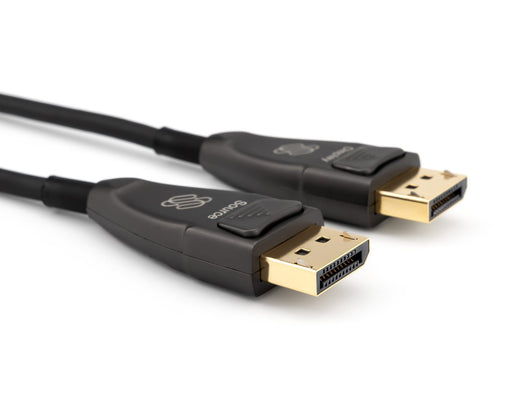
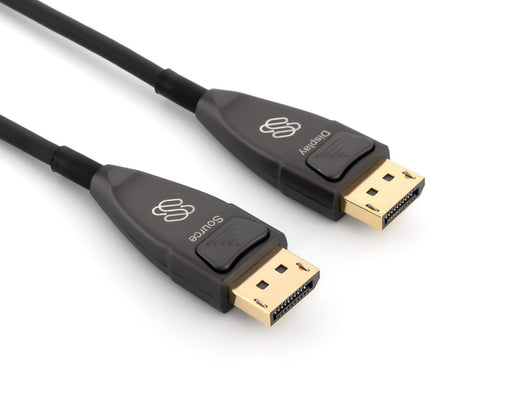
Original price $139.95 - Original price $189.95Original price $139.95$139.95 - $189.95$139.95 - $189.95Current price $139.95Light-Link DisplayPort 1.4 Fiber Optic Cable | 8K 60Hz, 4K 120Hz
The Light-Link DisplayPort is a "DisplayPort over Fiber" cable that sends the video information through optical fiber. Because it uses fiber, it c...
View full detailsOriginal price $139.95 - Original price $189.95Original price $139.95$139.95 - $189.95$139.95 - $189.95Current price $139.95Sold out -
 Original price $89.99 - Original price $99.99Original price $89.99$89.99 - $99.99$89.99 - $99.99Current price $89.99
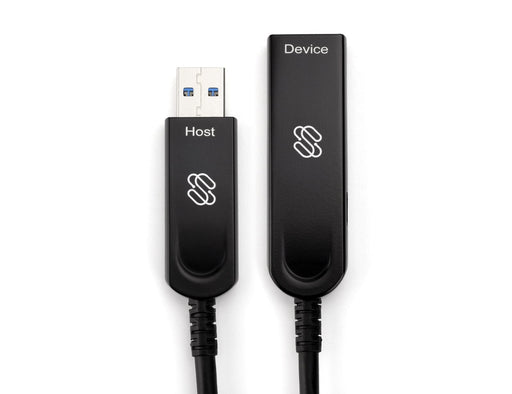
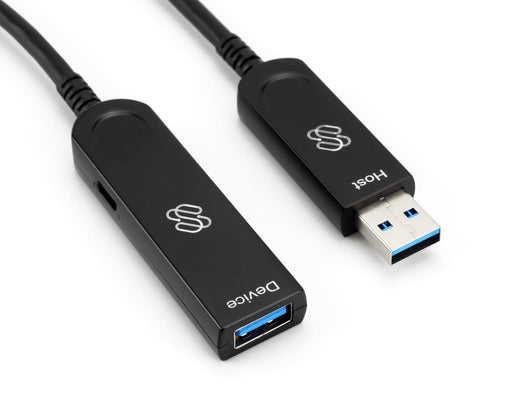
Sewell Light-Link USB 3.1 over Fiber Cable | 5Gbps, Zero Latency, 100ft
The Light-Link is a USB 3.1 Gen 1 (formerly USB 3.0) Fiber Optic Cable. Because it uses fiber, it can send the signal instantly with no perceptibl...
View full detailsOriginal price $89.99 - Original price $99.99Original price $89.99$89.99 - $99.99$89.99 - $99.99Current price $89.99






